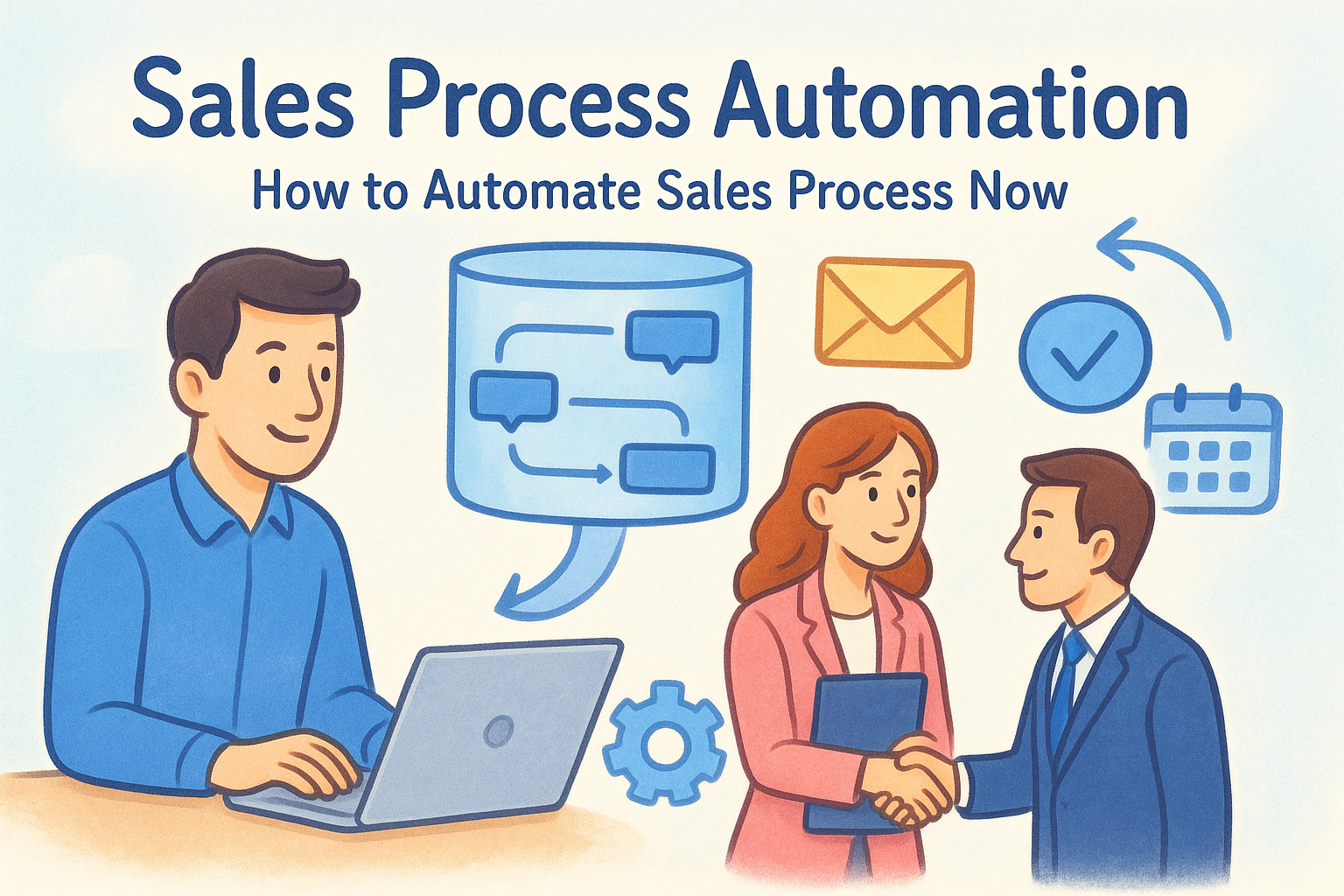
Sales process automation eliminates that drag. It means setting up systems that handle lead routing, email sequences, pipeline updates, and task assignments without someone clicking through them one by one. The result isn't just saved time, it's fewer dropped leads, faster response times, and a sales operation that scales without burning out your team. But knowing automation matters and knowing exactly what to automate (and how) are two different things.
That's what this guide covers. You'll get a clear breakdown of which sales tasks to automate first, the specific tools that make it possible, and real examples of workflows you can build right now. We built Vedain CRM around this exact idea, giving sales teams no-code automation, built-in email sequences, and AI agents at a flat $10/user/month, so this is a topic we know inside and out. Whether you're running a five-person team or managing a pipeline across hundreds of reps, this guide will give you a practical path from manual chaos to automated pipeline.
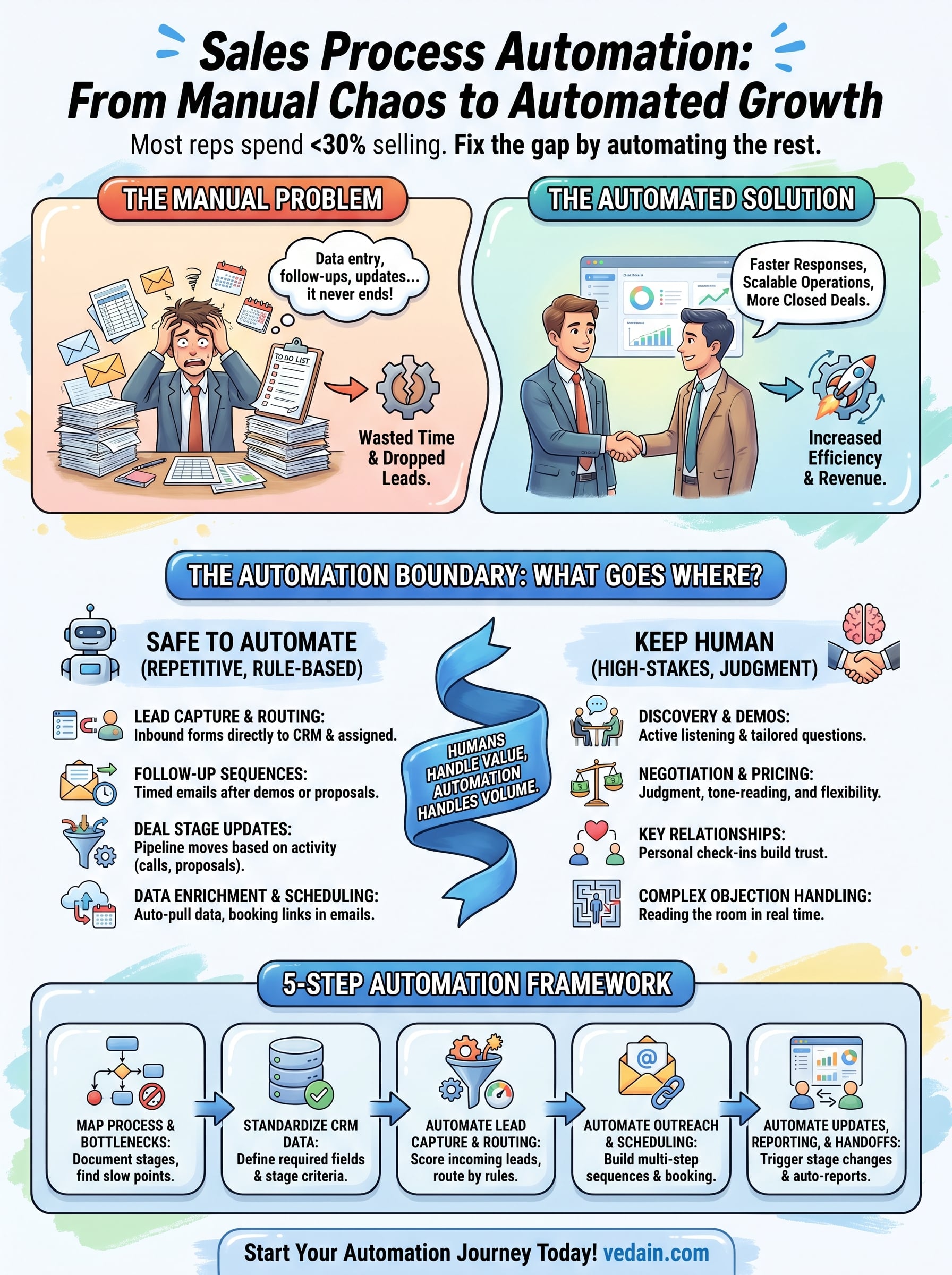
What to automate and what to keep human
The biggest mistake teams make when figuring out how to automate sales process steps is trying to automate everything at once. Some tasks genuinely get better when a system handles them. Others collapse the moment you remove a real person from the equation. Before you build a single workflow or write a single trigger condition, you need a clear line between the two categories so you're accelerating the right work instead of just digitizing a mess.
Automation amplifies your existing process. If your process is broken, automation helps you fail faster and at a larger scale.
Tasks that are safe to automate
Repetitive, rule-based tasks are your strongest automation candidates. If a task follows a predictable pattern, has clear inputs and outputs, and doesn't require relationship judgment or contextual reading, it belongs in a workflow rather than on someone's to-do list. The test is simple: could you write out the exact steps in advance without any "it depends" moments? If yes, automate it.
Here are the tasks you should target first:
- •Lead capture and routing: New form submissions, inbound inquiries, and website leads should flow directly into your CRM and get assigned to the right rep without anyone manually touching them.
- •Follow-up sequences: Timed email sequences after demos, proposals, or trial sign-ups keep leads engaged without your reps watching a calendar.
- •Deal stage updates: When a rep logs a call or sends a proposal, the pipeline should update automatically based on activity triggers, not manual edits.
- •Data enrichment: Pull company size, industry, job title, and other contact data the moment a new lead enters your system.
- •Meeting scheduling: Let prospects book directly from a calendar link and eliminate back-and-forth emails entirely.
- •Pipeline reports and dashboards: Weekly conversion rates, leaderboards, and pipeline snapshots should generate on their own without manual exports.
- •Idle deal alerts and task creation: When a deal goes five days without activity, your CRM should create a follow-up task and assign it automatically.
Each of these tasks has a defined trigger and a predictable outcome, which is exactly what automation handles reliably. When you remove a human from these loops, you gain speed and consistency without sacrificing quality.
Tasks that need a human touch
High-stakes conversations are where real selling happens, and automation earns its value by clearing the path for those moments, not by replacing them. Closing a deal, working through a tough objection, managing a complex buying committee, or rebuilding trust after a problem all require a person who can read the room and respond in real time.
Your reps should stay in direct control of:
- •Discovery calls and demos: Understanding a prospect's real pain takes active listening and follow-up questions that a sequence can't ask.
- •Negotiation and pricing conversations: Judgment, flexibility, and tone-reading matter here in ways a triggered email can't replicate.
- •Key account relationship maintenance: A personal check-in from a rep builds trust that a drip campaign never will, regardless of how well-written it is.
- •Complex objection handling: When a prospect raises a real concern, a scripted reply makes the situation worse, not better.
- •Contract and procurement conversations: These require clarity, two-way dialogue, and human accountability at every step.
The clearest way to frame this split is that automation handles volume and humans handle value. Your reps are most productive when their time goes toward conversations that genuinely require judgment. Every hour freed from manual data entry, calendar management, or status updates is an hour available for the kind of work that actually moves deals forward. Build your automation plan around that boundary, and you protect the relationships that automation can't replicate while still getting the efficiency gains that make scaling possible.
Step 1. Map your sales process and bottlenecks
You can't automate what you haven't defined. Before you touch any workflow builder or sequence tool, you need a clear, written map of how deals actually move through your pipeline right now, not how you wish they moved, but the real path a lead takes from first contact to closed deal. This is the foundation of any serious approach to how to automate sales process steps that work in practice.
Document your current sales stages
Start by listing every stage in your pipeline and every action that moves a deal from one stage to the next. Write it out in plain language. For each stage, capture the entry criteria (what qualifies a deal to be here), the exit action (what moves it forward), and who is responsible.
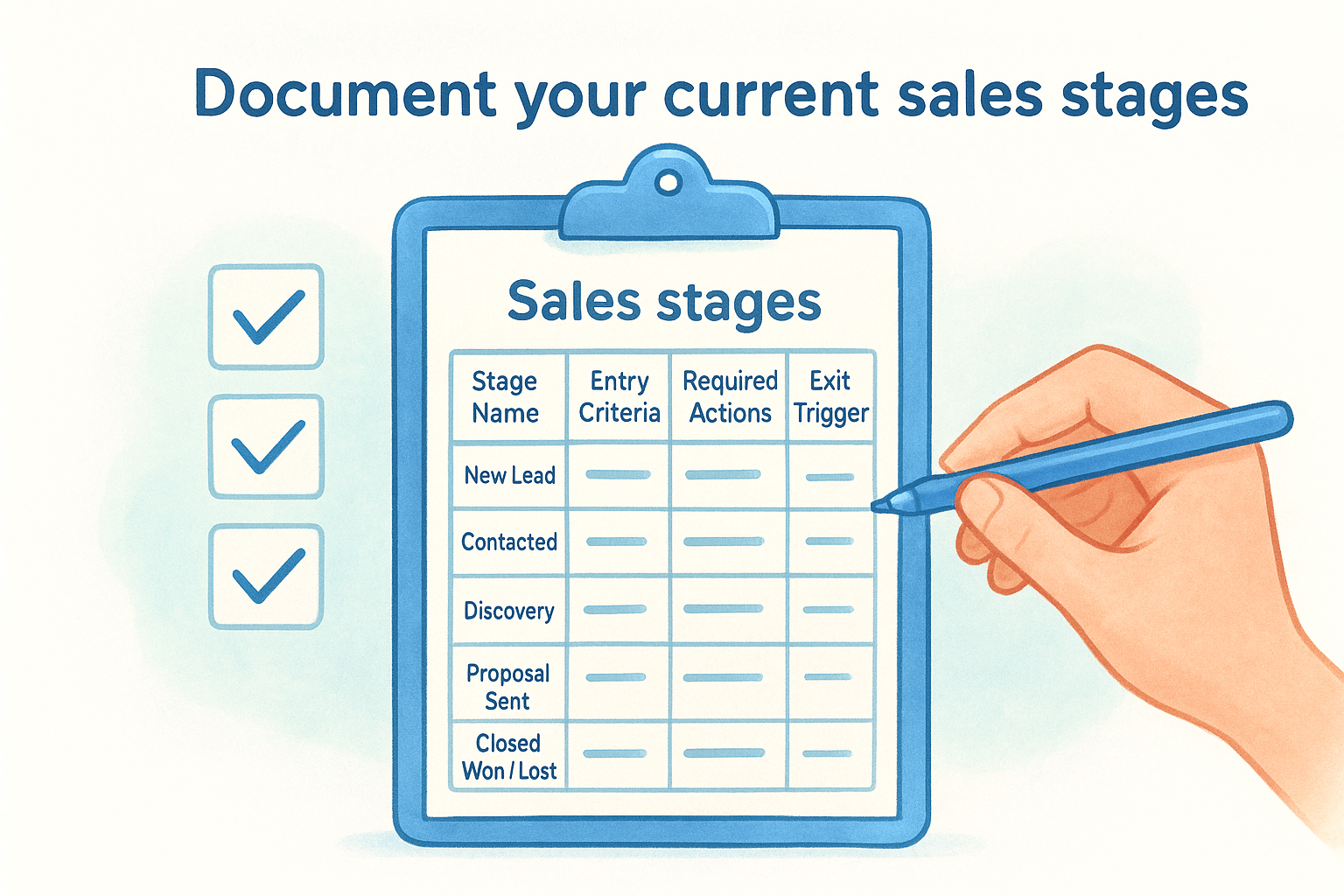
Here's a simple template you can fill in for each stage:
If you can't write down the exit trigger for a stage, that stage is where deals go to die.
Find the bottlenecks worth targeting
Once you have the map, look at where deals slow down or fall out. Pull your pipeline data and look for stages with the longest average time-to-exit and the highest drop-off rates. Those are your bottlenecks, and they're your automation priorities.
Common patterns to look for include:
- •Leads sitting in "New" for more than 24 hours because no one has assigned or contacted them
- •Proposals with no follow-up activity after three or more days
- •Discovery calls booked but not logged, leaving the pipeline stage stale
- •Deals marked active but with no contact in two weeks, signaling a quietly dying opportunity
Each of these gaps has a direct automation fix. Mapping them first means you build workflows that solve real problems in your pipeline instead of just adding complexity.
Step 2. Standardize your CRM data and deal stages
Automation only works when your data is consistent. If one rep logs a lead's company name as "Acme Inc." and another logs it as "ACME," your workflows misfire, your reports break, and your lead routing assigns records to the wrong person. Before you can reliably automate sales process steps, you need every deal and contact record to follow the same structure, with the same required fields filled in the same way, every time.
Define required fields for every record type
Start by deciding which fields must be filled before a deal can move to the next stage. These aren't optional nice-to-haves; they're the data points your automation depends on to fire correctly. If a workflow needs a lead's industry to assign them to the right rep, and that field is blank half the time, your routing breaks half the time.
Here's a baseline set of required fields to enforce in your CRM for each record type:
Lock these fields as mandatory in your CRM so a record cannot advance to the next stage without them. This alone eliminates the data gaps that cause automated workflows to skip or fail silently.
Align your team on stage definitions
Inconsistent stage usage is one of the most common reasons automation fails after launch. If two reps define "Proposal Sent" differently, one moving a deal there after sending a deck and the other waiting for verbal confirmation, your pipeline data becomes unreliable and your stage-based triggers fire at the wrong moments.
Write a one-sentence definition for each deal stage and share it with your entire team before you build any workflow. Below is a template you can copy and fill in:
- •New Lead: Contact has entered the pipeline but has not been reached yet.
- •Contacted: Rep has made at least one documented outreach attempt.
- •Discovery: A live conversation has been completed and notes have been logged.
- •Proposal Sent: A written proposal or pricing document has been delivered to the prospect.
- •Negotiation: Prospect has acknowledged the proposal and active discussion is underway.
- •Closed Won / Lost: Deal has been marked with a final outcome and a reason has been recorded.
If your team disagrees on what "Proposal Sent" means, they'll disagree on what your pipeline data means, and your automation will reflect that confusion at scale.
Post these definitions somewhere your team can reference them daily, inside your CRM, in your onboarding docs, or pinned in your team channel. Consistent stage definitions are the contract that makes every downstream workflow reliable.
Step 3. Automate lead capture, scoring, and routing
Once your CRM data is clean and your stages are defined, you're ready to tackle the top of the funnel. Lead capture, scoring, and routing are three of the highest-leverage areas when figuring out how to automate sales process steps that directly affect revenue. A lead who waits hours for a response converts at a fraction of the rate of one who gets contacted within five minutes, and manual assignment is the most common reason that gap exists.
Set up automated lead capture
Every inbound lead source should feed directly into your CRM without anyone copy-pasting a form submission or manually logging an inquiry. Your website forms, landing pages, chatbots, and any lead generation integrations should all push records into your CRM the moment someone submits their information.
To set this up, connect each lead source to a specific pipeline entry point in your CRM. Use embedded lead forms that write directly to your contacts and deals database. For leads coming from third-party tools, use native integrations or a webhook to pass the data through automatically. The key fields to capture at this stage are:
- •Full name and email (minimum required to begin outreach)
- •Company name and website (for enrichment triggers)
- •Lead source (so routing rules and reporting stay accurate)
- •Opt-in timestamp (for compliance and response-time tracking)
Build a lead scoring model
Not every lead deserves the same urgency. Lead scoring lets you rank incoming leads based on fit and intent so your reps know where to focus without reviewing every record manually. Assign point values to attributes and behaviors, then set a threshold that triggers high-priority routing.
A simple scoring model used consistently beats a sophisticated one that no one maintains.
Here's a straightforward scoring template to start with:
Route leads based on score and criteria
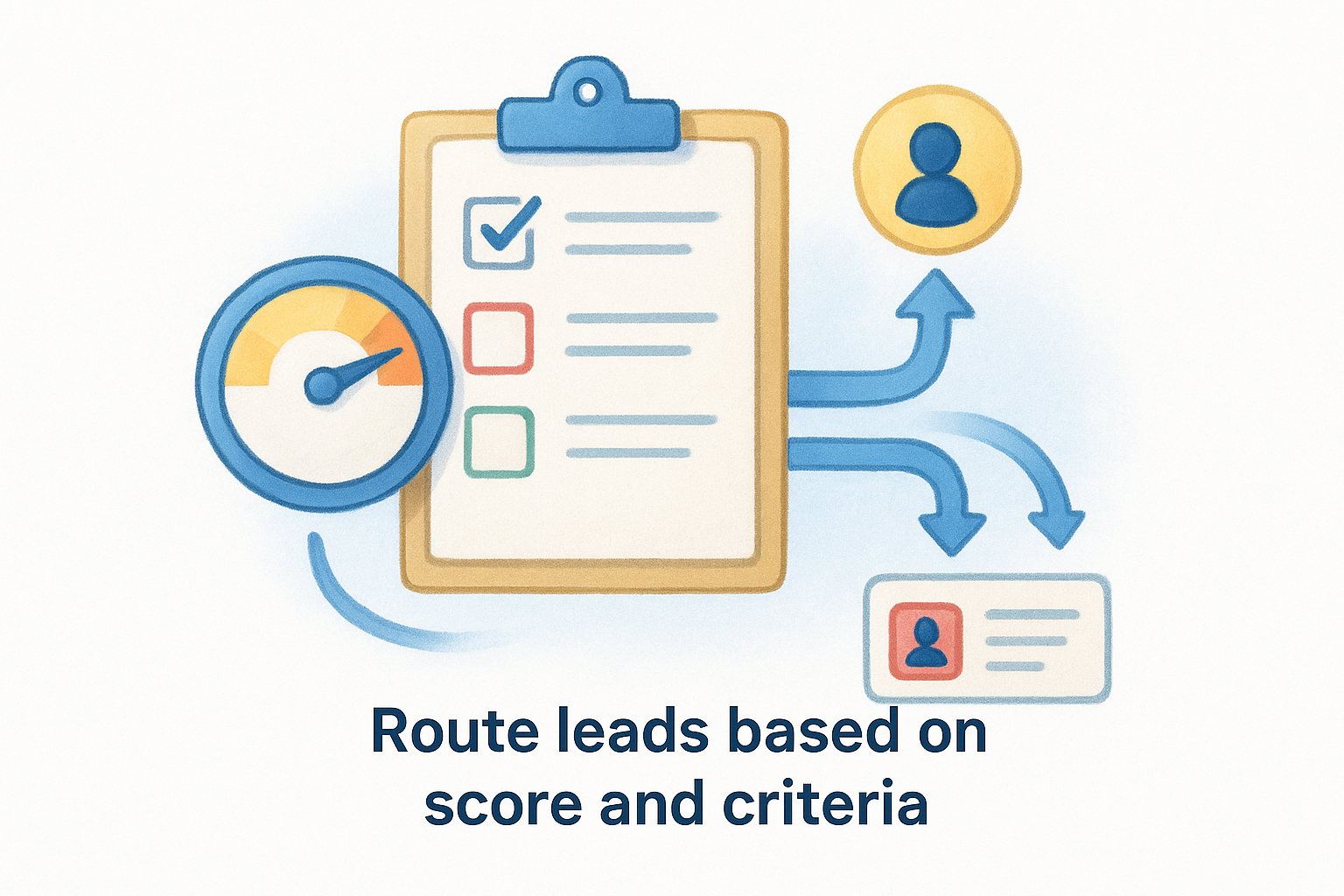
With scoring in place, you can build routing rules that automatically assign leads to the right rep or queue without manual triage. Set your CRM to assign leads above a score threshold to your senior reps and below-threshold leads to a nurture sequence or junior SDR. You can also route by territory, industry, or company size using the same rule-based logic. Define these rules explicitly in your CRM workflow builder so every lead gets assigned the moment it enters your pipeline.
Step 4. Automate outreach, follow-ups, and scheduling
This is where most teams see the fastest return when learning how to automate sales process steps. Manual outreach is slow, inconsistent, and dependent on individual reps remembering to follow up at the right time. Automated sequences and scheduling tools remove the memory burden entirely, so every qualified lead gets contacted at the right moment regardless of how busy your team is.
Build multi-step email sequences
A multi-step email sequence sends a series of timed messages based on a trigger, like a lead entering a specific stage, a demo being completed, or a proposal being sent. You write the emails once, set the timing, and the system handles delivery from there. Each message should serve a specific purpose rather than repeating the same ask.
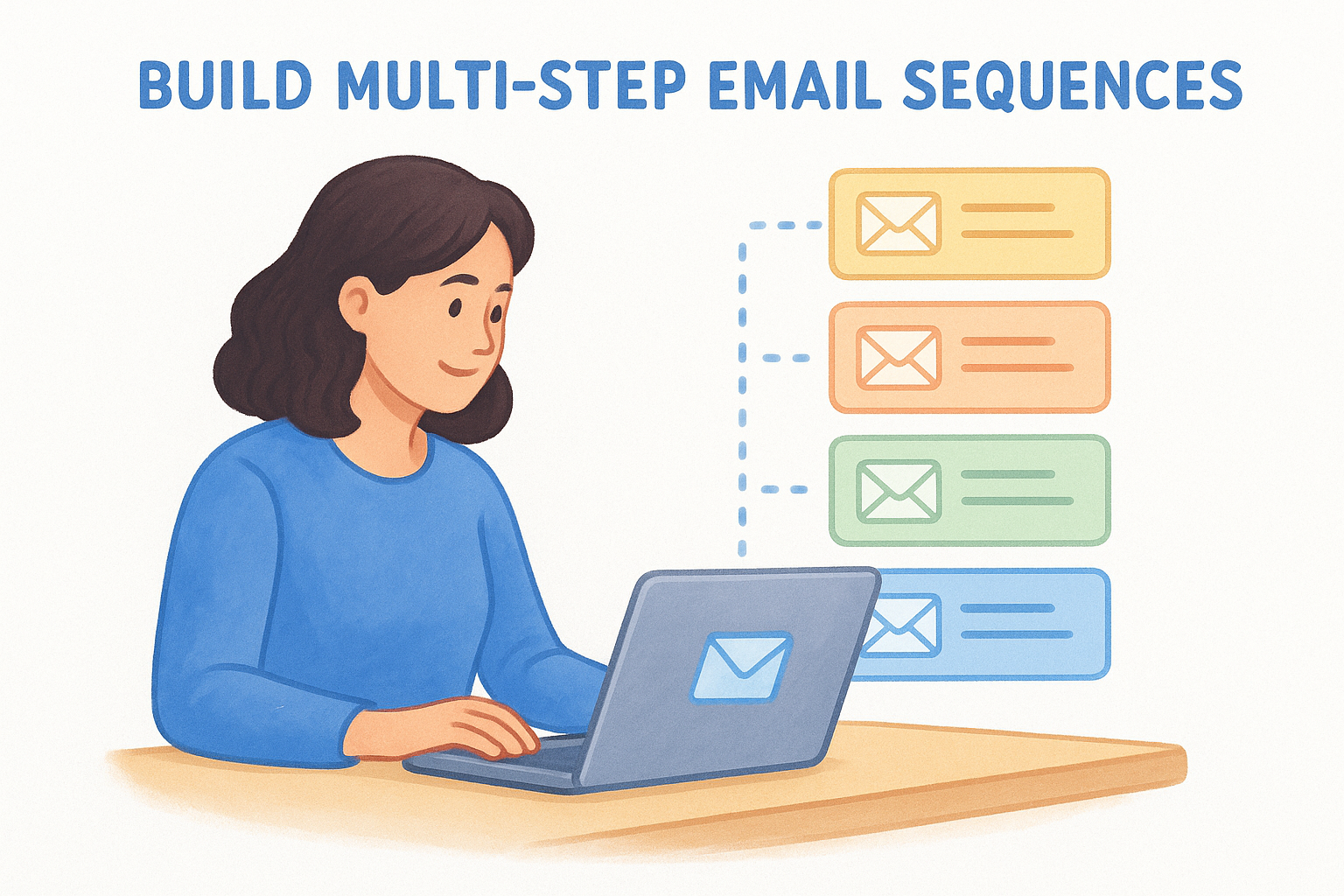
Here's a baseline five-step sequence you can use after a demo call:
A five-touch sequence delivered consistently outperforms a single perfect email every time.
Set trigger-based follow-up rules
Trigger-based follow-ups fire automatically when a specific event happens rather than on a fixed schedule. This lets your outreach respond to real behavior instead of just elapsed time. For example, if a prospect opens your proposal three times in one day, that's a buying signal worth acting on immediately, not three days later.
Set up triggers in your CRM for actions like proposal views, link clicks, email opens above a threshold, or deal stage changes. Each trigger should create a task, send a specific message, or both. This way your reps follow up when engagement is highest, not when the calendar happens to remind them.
Remove scheduling friction
Back-and-forth calendar emails kill momentum at exactly the wrong moment in the sales process. Connect your calendar to a scheduling tool and embed the booking link directly in your outreach sequences. When a prospect is ready to talk, they book a slot immediately without waiting for a rep to respond.
Step 5. Automate pipeline updates, reporting, and handoffs
The last mile of how to automate sales process execution is where most teams leave real efficiency on the table. Manual pipeline updates create lag, reporting takes time someone doesn't have, and deal handoffs between reps or teams often drop critical context. Getting these three areas on autopilot means your pipeline reflects reality at all times without anyone maintaining it by hand.
Trigger automatic stage updates
Your CRM should advance a deal's stage the moment a qualifying action happens, not after someone remembers to click a dropdown. Activity-based triggers do this automatically by watching for specific logged events and moving the deal forward when the criteria are met.
Here are the stage update rules you should build first:
When your pipeline updates itself, your forecast data stays accurate without anyone auditing it manually.
Schedule reports that build themselves
Manual reporting is one of the easiest things to eliminate once your CRM data is clean and your stages are consistent. Set up scheduled reports that run automatically and deliver results to your team on a fixed cadence so no one spends time on exports or pivot tables.
Build these three reports as your starting set. First, a weekly pipeline snapshot showing deal count, total value, and average days per stage. Second, a conversion funnel report showing the drop-off rate between each stage over the past 30 days. Third, a rep activity leaderboard tracking calls logged, emails sent, and deals advanced per person. Schedule all three to arrive in your team inbox every Monday morning before your pipeline review meeting.
Automate team handoffs
When a deal moves from an SDR to an account executive, or from sales to customer success, the handoff is where context gets lost and deals stall. Build a handoff workflow that fires automatically when a deal hits the qualifying stage change. The workflow should create a task for the receiving rep, attach the discovery call notes, and send an internal notification with the deal summary already populated. Your reps get everything they need without chasing anyone for a briefing.
Put it into practice
You now have a complete framework for how to automate sales process steps that actually matter. Start with Step 1, map your real pipeline before you build anything. Then standardize your CRM data, set up lead capture and routing, deploy your email sequences, and put your pipeline updates on autopilot. Each step builds on the one before it, so the order matters. Don't skip ahead to automation before your data and stage definitions are locked in, or you'll just be moving problems faster.
The teams that get the most out of automation start small, pick one bottleneck to fix first, measure the result, and expand from there. You don't need to rebuild everything in a week. Pick your highest-friction stage from Step 1 and build one workflow around it today. If you want a platform that handles all of this at a flat $10 per user per month, start your free trial with Vedain CRM and see how fast you can get your first workflow live.