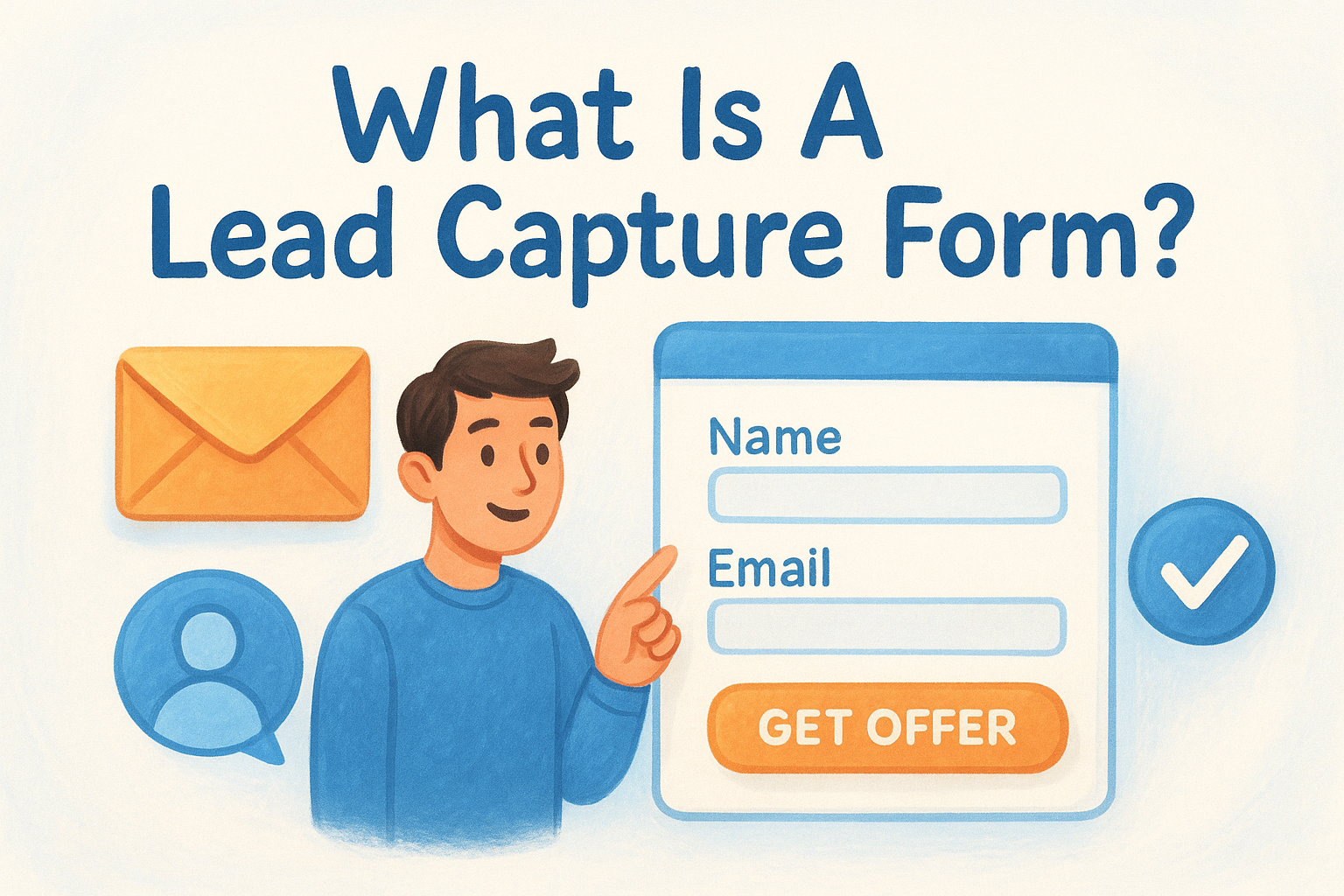
The difference between a form that converts and one that gets ignored usually comes down to a handful of design and copy decisions. Things like field count, form placement, and the value of your offer all play a role. Getting these details right can double or triple your submission rate without spending more on ads or content.
In this guide, we'll break down how lead capture forms work, walk through real examples worth studying, and share best practices you can apply right away. We'll also show how tools like Vedain CRM's built-in Lead Forms make it easy to create forms, capture submissions, and route leads straight into your pipeline, no developer or third-party integrations required.
What a lead capture form includes
When you look at what is a lead capture form at its core, you'll find it's built from a few repeating elements that work together to turn an anonymous visitor into an identified lead. Every field you add creates a small barrier, and every element on the page either supports or undermines a visitor's decision to fill it out. Understanding each component helps you make smarter decisions about what to include and what to cut.
The core fields
Most lead capture forms ask for a name and email address at minimum, and those two fields alone account for the majority of the value you get from a submission. The key is to ask only for what your sales team actually uses to qualify or follow up with a lead. Every extra field reduces your conversion rate, so if you won't use the data, don't ask for it.
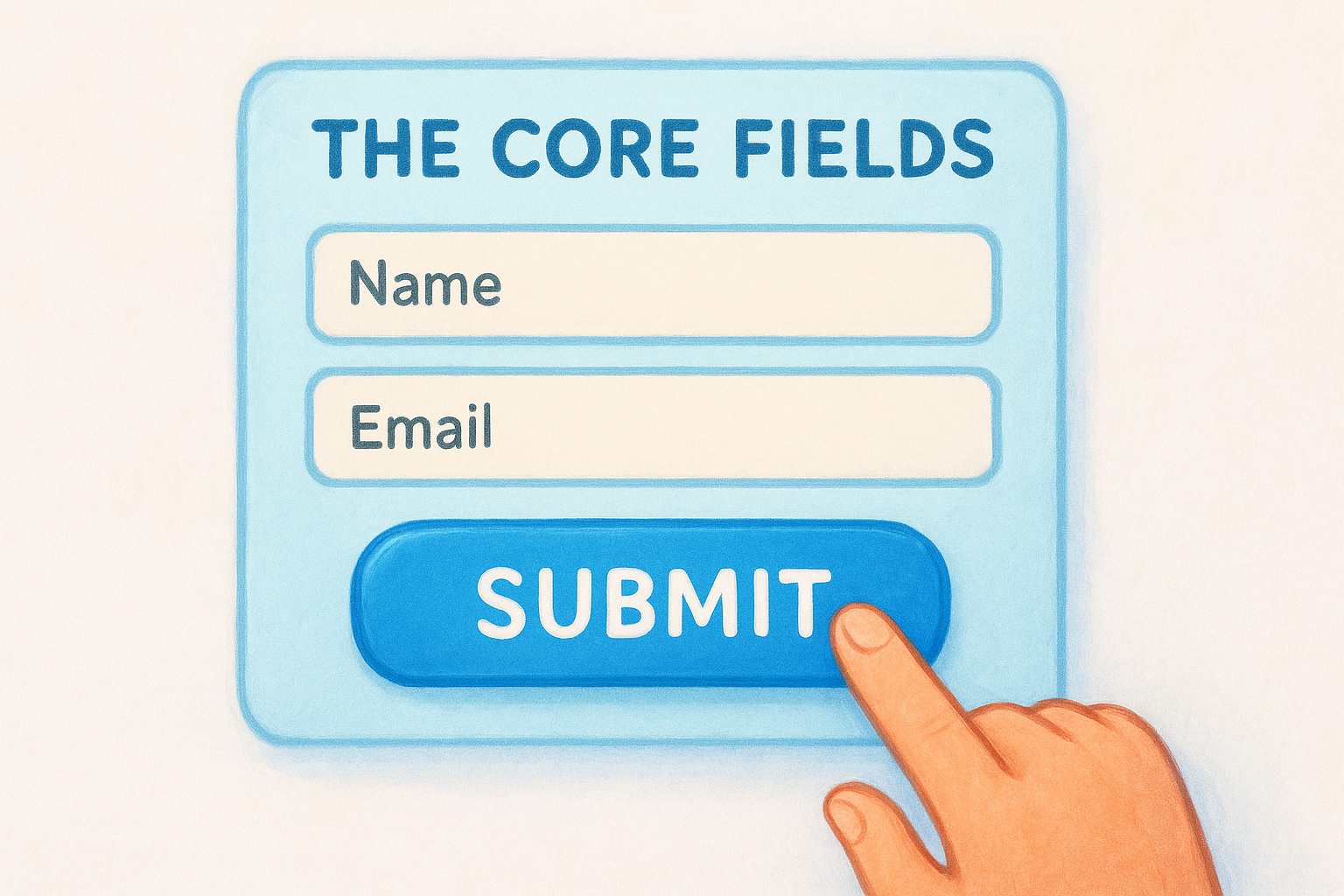
Common fields to consider, depending on your use case:
- •Name
- •Work email
- •Company name
- •Phone number
- •Job title or role
The fewer fields you ask for upfront, the more submissions you'll get. You can always collect more details later in the sales conversation.
The offer and the submit button
A lead capture form rarely works on its own. It's paired with an offer, whether that's a free trial, a downloadable guide, a demo request, or access to gated content. That offer is what motivates a visitor to hand over their information in the first place. Without a clear and specific reason to submit, most visitors will scroll past the form entirely.
Your submit button copy matters more than most people expect. "Submit" tells someone nothing. "Get My Free Guide" or "Start Free Trial" gives them a concrete reason to click. Treat the button as the final nudge in a short conversation, not a formality.
Why lead capture forms matter for sales teams
Once you understand what is a lead capture form, it's easier to see why sales teams treat them as a core part of their workflow, not an optional marketing add-on. Without a form, your website traffic has nowhere to go. Visitors read your content, check your pricing, and leave. With a form in place, those same visitors become contacts your team can actually reach.
They create a consistent lead flow
A well-placed lead capture form works around the clock. Your sales team doesn't need to be online for a visitor to submit their information at midnight or on a weekend. That means leads accumulate steadily, and your pipeline keeps moving even when your reps are focused on closing existing deals.
A form that runs on autopilot means your team spends more time selling and less time manually prospecting.
They give sales teams better data to work with
When a lead submits a form, they're telling you something about their interest level and timing. A person who fills out a demo request form is much warmer than someone who just visited your homepage. That context shapes how your reps prioritize outreach, which calls to make first, and what to say when they do. Forms make that signal visible.
Where lead capture forms fit in your funnel
Understanding what is a lead capture form is only half the picture. The other half is knowing where in your funnel to deploy one. The stage of your funnel determines what you ask for and what you offer in return, so placing forms strategically matters.
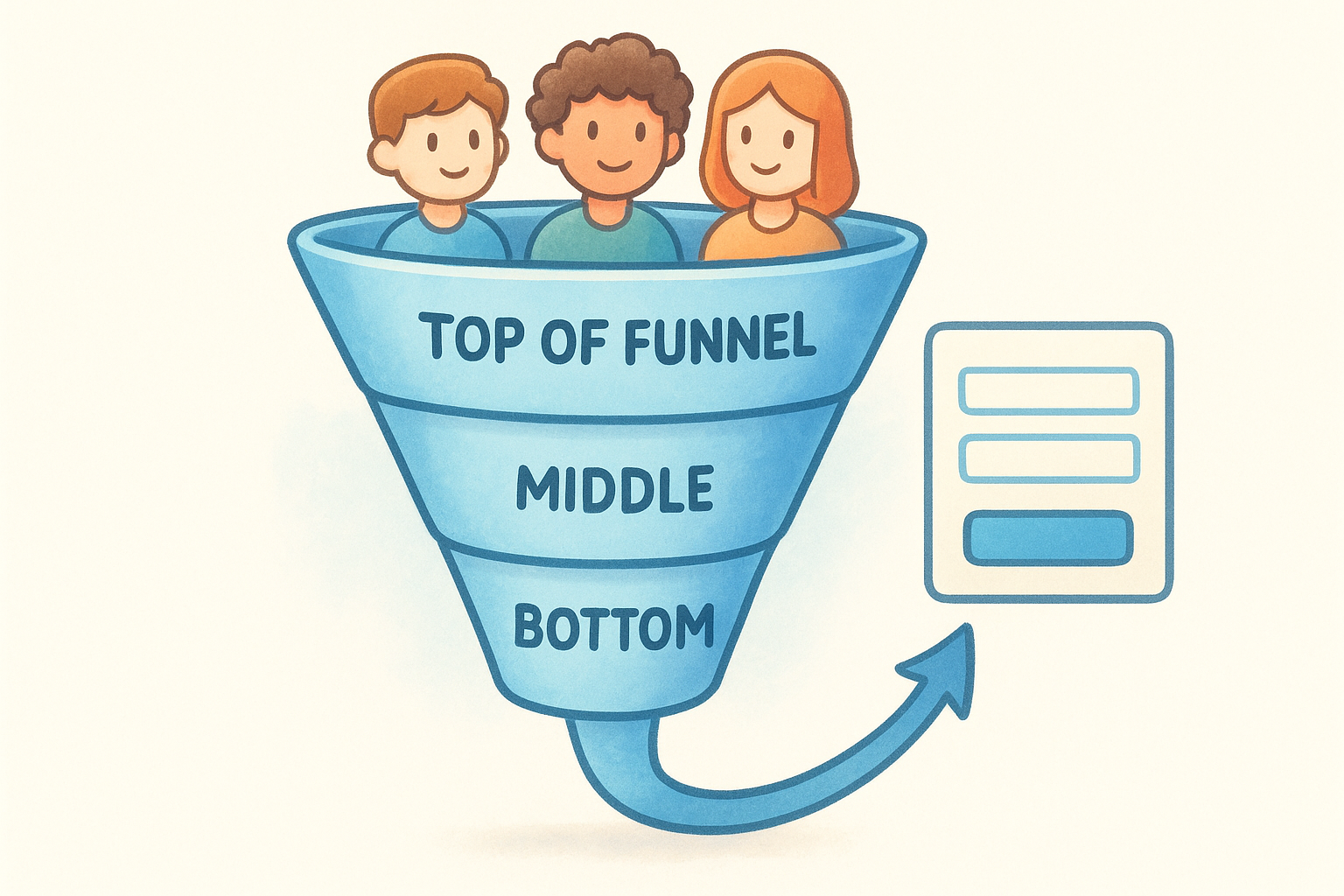
Top of funnel: awareness and first contact
At this stage, visitors don't know your product well yet. Your form should ask for as little as possible, typically a name and email, paired with a low-commitment offer like a free resource or newsletter signup. The goal is volume: getting as many qualified contacts into your pipeline as you can.
The shorter your top-of-funnel form, the lower the friction, and the more submissions you'll collect.
Middle and bottom of funnel: intent and qualification
Further down the funnel, visitors already understand your value and are closer to a decision. You can ask for more details like company size or phone number, because they have enough context to justify sharing them. A demo request or free trial signup signals buying intent, telling your team exactly who to contact first.
Your form's field count and offer should always match the visitor's awareness level. A top-of-funnel visitor won't complete a 10-field form, but a bottom-of-funnel visitor might expect one if it helps them get a tailored recommendation.
How to create a lead capture form that converts
Knowing what is a lead capture form helps, but building one that converts takes deliberate choices. The form's design, copy, and placement all work together, and a weakness in any one of them drags down your submission rate.
Start with a single, clear goal
Before you build anything, decide what action you want the visitor to take and what they get in return. A demo request form needs different fields than one tied to a free download. Matching your offer to visitor intent is the most important decision you'll make upfront.
Visitors convert when the benefit of filling out the form is obvious before they type anything.
Keep the form short and the copy specific
Most high-converting forms use two to three fields at most. Your submit button should name the outcome, not just say "Submit." Apply these principles to every form you build:
- •Name and work email cover most use cases
- •Button copy should state what the visitor gets
- •Headlines should address a specific pain point or goal
Connect your form to your CRM
Once a visitor submits, their data should route directly into your sales pipeline without any manual entry. Vedain's Lead Forms push submissions straight into your CRM, giving your team an instant notification.
That connection removes the risk of leads getting lost between form submission and your first outreach. Following up fast dramatically increases your chances of converting a warm lead into a paying customer.
Examples and best practices by use case
Seeing what is a lead capture form in practice across real scenarios makes the principles easier to apply. Each use case has its own conversion logic, and matching your form's structure to its specific purpose is what separates forms that consistently fill your pipeline from ones that collect dust.
SaaS free trial signup
A free trial form works best with two to three fields: name, work email, and optionally company size. Keep friction low because the product itself is the offer, and visitors are already close to a decision. Your button copy should say something like "Start My Free Trial" rather than a generic label that gives visitors no reason to act.
The more specific your button copy, the clearer the value, and the more confident a visitor feels clicking it.
Gated content or resource download
When you offer a guide or report, visitors expect to trade their email for access. Name and work email cover most situations here. Adding a company name field makes sense if your sales team uses it to qualify leads before reaching out. Keep field count proportional to the perceived value of the offer: a short checklist warrants fewer questions than a detailed industry report.
Next steps
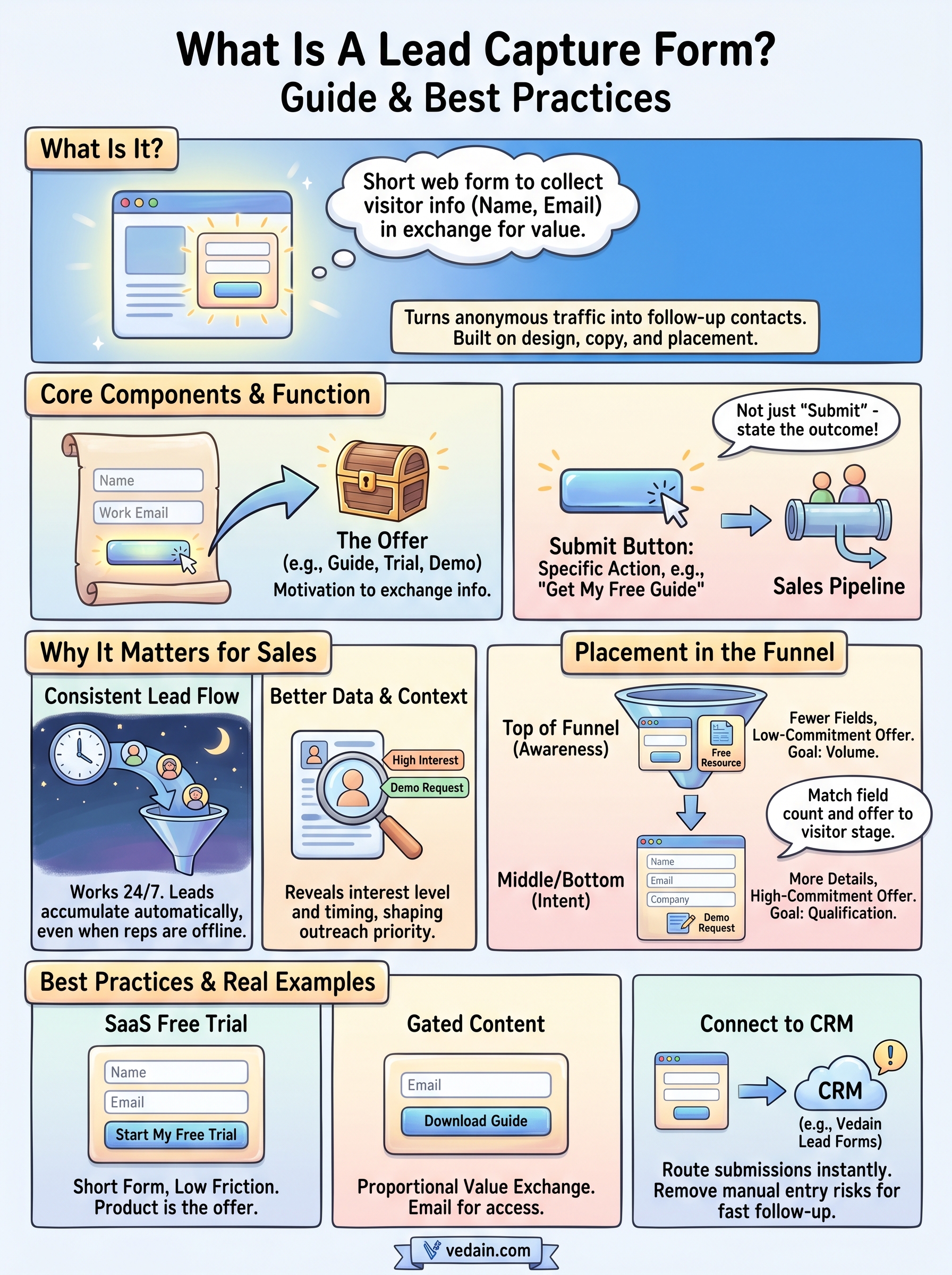
Now that you understand what is a lead capture form and how each decision affects your results, the next move is to put these principles into practice. Field count, placement, and offer clarity are the three levers you control, and improving any one of them will increase the number of leads your team has to work with. Start with your highest-traffic page, build a focused form with a specific offer, and connect it directly to your CRM so no submission slips through.
The biggest mistake most teams make is treating their form as a one-time setup. Review your submission data regularly to see where visitors drop off or which offers pull the most completions. Small adjustments compound over time. If you want a CRM that handles lead capture, pipeline management, and follow-up automation in one place without hidden fees, try Vedain CRM free and have your first form live in under five minutes.